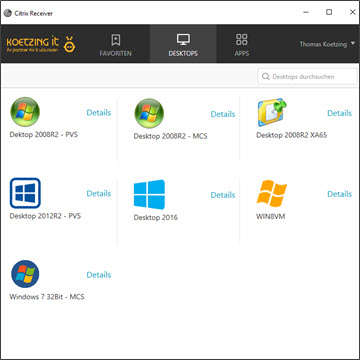
Citrix Receiver…I don’t even know where to start with all the problems I’m having—or have had—and the workarounds I’ve had to use to get Receiver up and running. This whole receiver/StoreFront thing is sooo „Sensitive„…Anyway, now I’d like to talk about receivers and proxies.
First of all: Most of the clients I work for use proxy servers, which are an integral part of their HTTP/HTTPS connections. I was involved in a client transition, and the existing guidelines The proxy settings were simply carried over.
When the entire receiver „suite“ starts up—AuthService, SelfService, Receiver…—not only does it take a long time (be sure to try this on an old embedded Windows XP thin client), but it also attempts to connect to the StoreFront URL.
The „process“ starts, and then nothing happens? Okay, so as is often the case, it's time to troubleshoot. I enable logging and notice that the AuthService throws an exception when the proxy settings are read. Upon closer inspection of the settings, I find the following proxy exception 10.0.0.0/24. That is Incorrect proxy exception for Internet Explorer (which IE probably just ignores) and change it to 10.0.0.*
However, in the next trace, the AuthService uses the same proxy exceptions? Even though I've modified and checked the standard registry value for the proxy settings, and everything is as it should be? After further troubleshooting, I found that the Citrix AuthService uses the following binary values:
HKCU\Software\Microsoft\Windows\CurrentVersion\Internet Settings\Connections
DefaultConnectionSettings
SavedLegacySettings
After I deleted those two entries, the correct proxy exceptions were applied and the applications finally appeared.
I have an „EWe have submitted a “Feature Request" to Citrix to be able to disable proxy usage for Receiver via Group Policy or some other method.